
Setting up a Network
Creating a Network
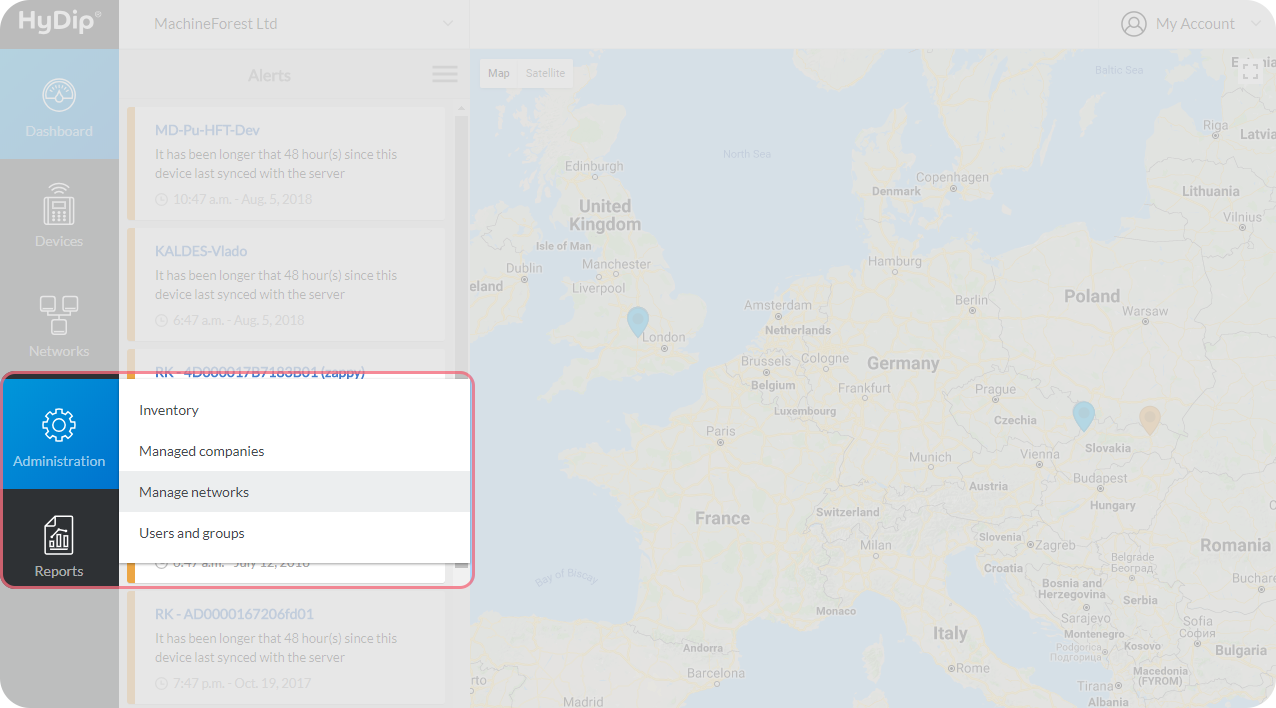
Navigate to Administration > Manage networks.
Go to the top right corner and click on Add a network.
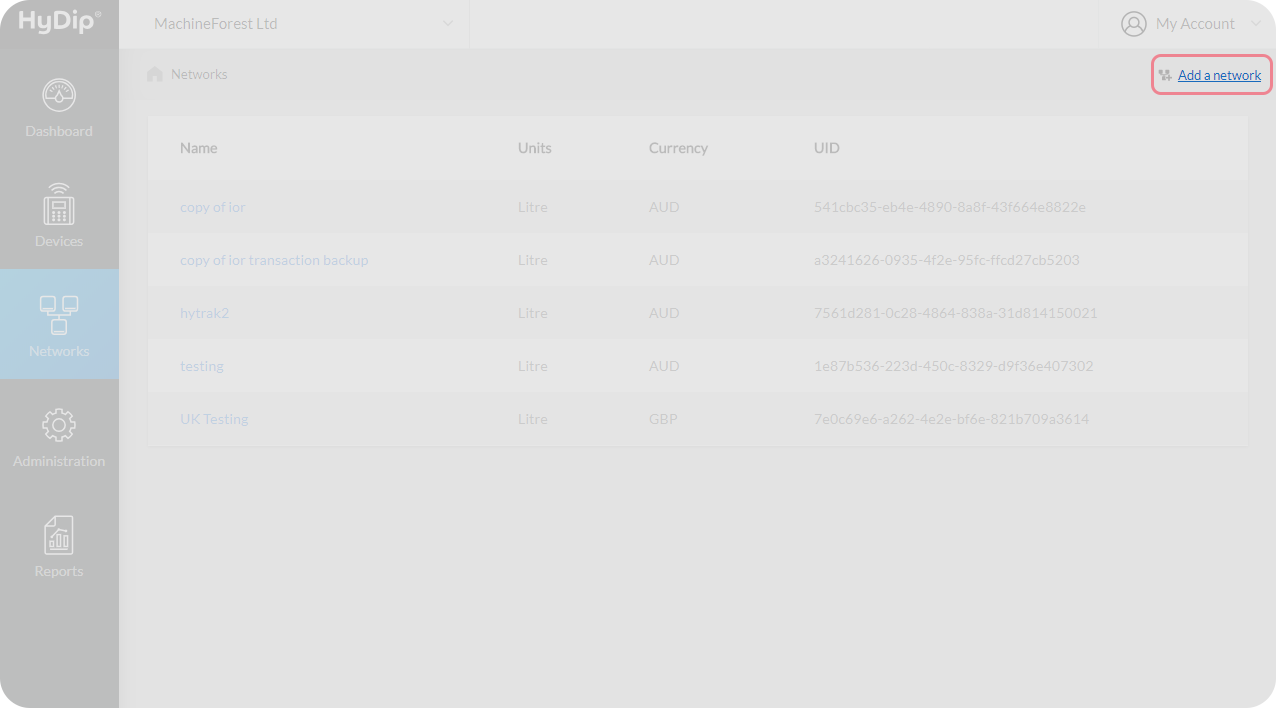
The Network Name, the Currency in use and measurement units are defined at the Network level.
When creating a network, this information is required. For example:
Field | Value | Explanation |
|---|---|---|
Name | Example network | The name given for the Network. |
Currency | AUD | The type of money used on the Network. |
Units | Litre | The units of measurement for Products inside Tanks. |
Click on Create Network, and the Network will be created.
Once a Network is created, currency and units of measure CANNOT be changed.If a Network is created with an invalid currency or incorrect units of measure, the Network should be deleted and replaced. When a Network is deleted, all Sites, Tags and Transactions associated with the existing Network will be archived and may eventually be deleted.
Attaching a HyDip Device to a Network
Navigate to Administration > Inventory.
From the Devices tab, search for the new Device by serial number, then click on the Actions drop down menu beside the device that is to be added.
Select Add to network from the menu.
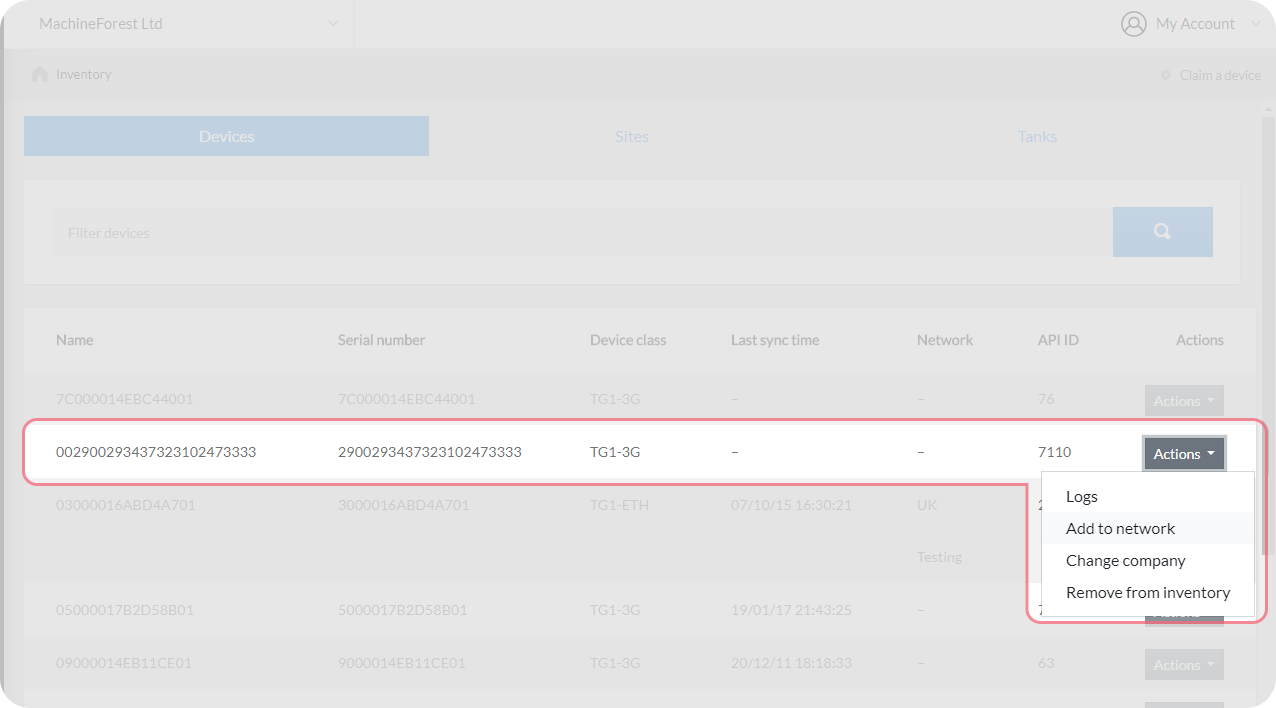
From the drop down menu on the next page select the Network that was created in the previous step and press Save.
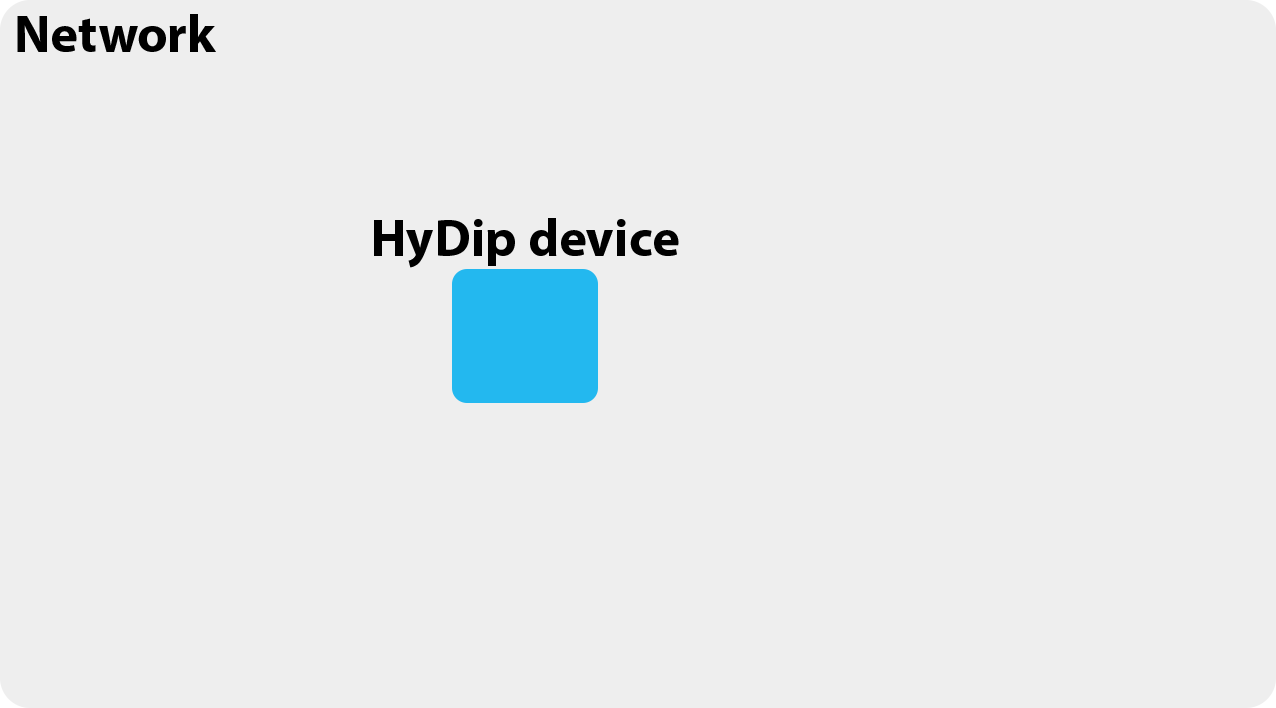
This HyDip Device is now attached to the Network.
Updated about 1 year ago